
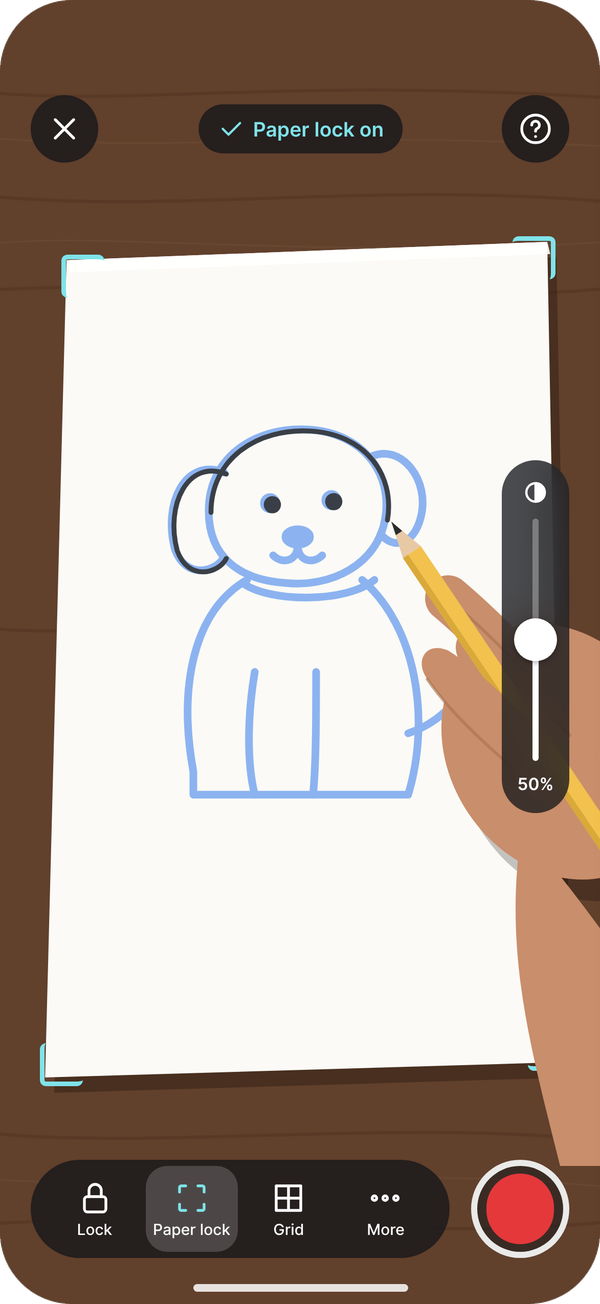
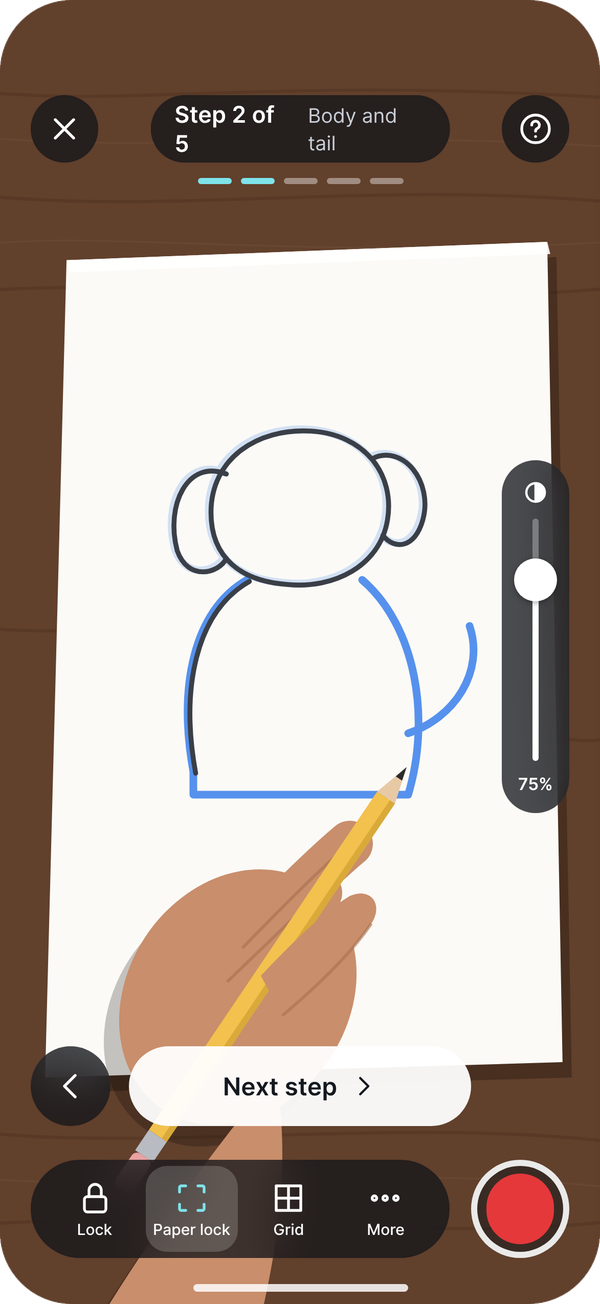
Paper lock keeps your picture on the page.
Nudge the phone, lean in or cover a corner with your hand. Clear art finds the four corners of your sheet and keeps the drawing on it.
For iPhone
Clear art shows your picture over your paper through the camera, so you can draw the lines with a real pencil. Your photos, our drawings or your own words.
Tracing is free forever, with no timer.
iPhone with iOS 17 or later.
How it works
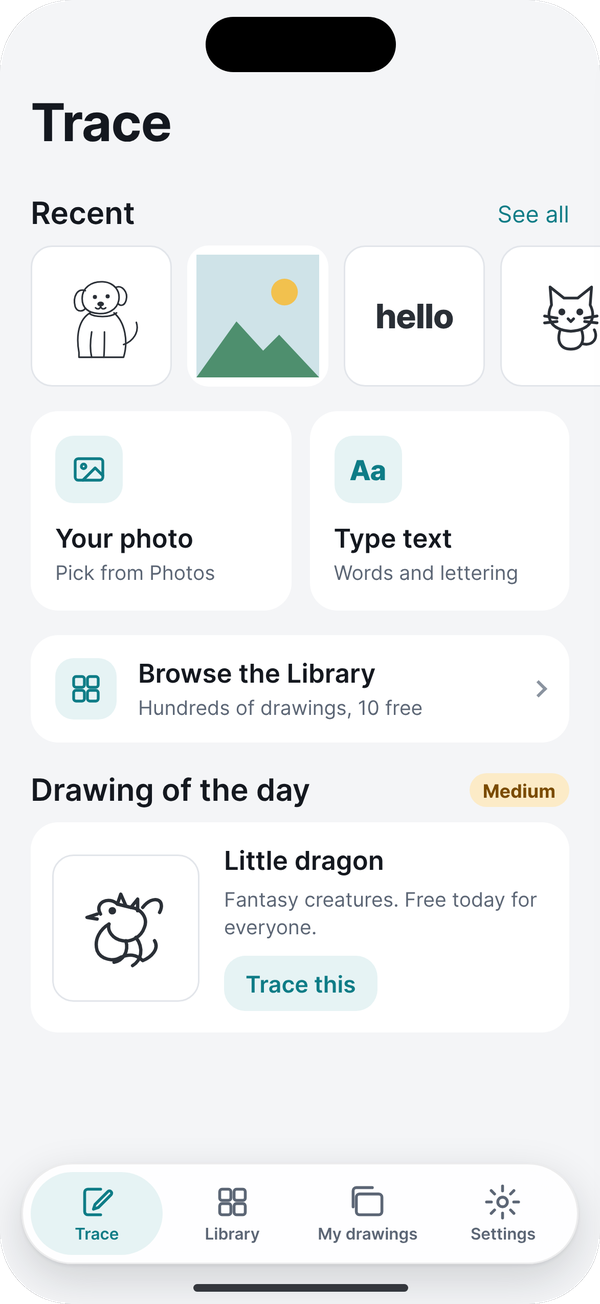
Your photos, our drawings or your own words. Anything you can see, you can trace.
Rest it on a glass, a stack of books or a stand, about 20 to 30 cm up. The paper should fill the screen.
The picture floats over your paper. You draw the lines, for as long as you like.
Features
Nudge the phone, lean in or cover a corner with your hand. Clear art finds the four corners of your sheet and keeps the drawing on it.
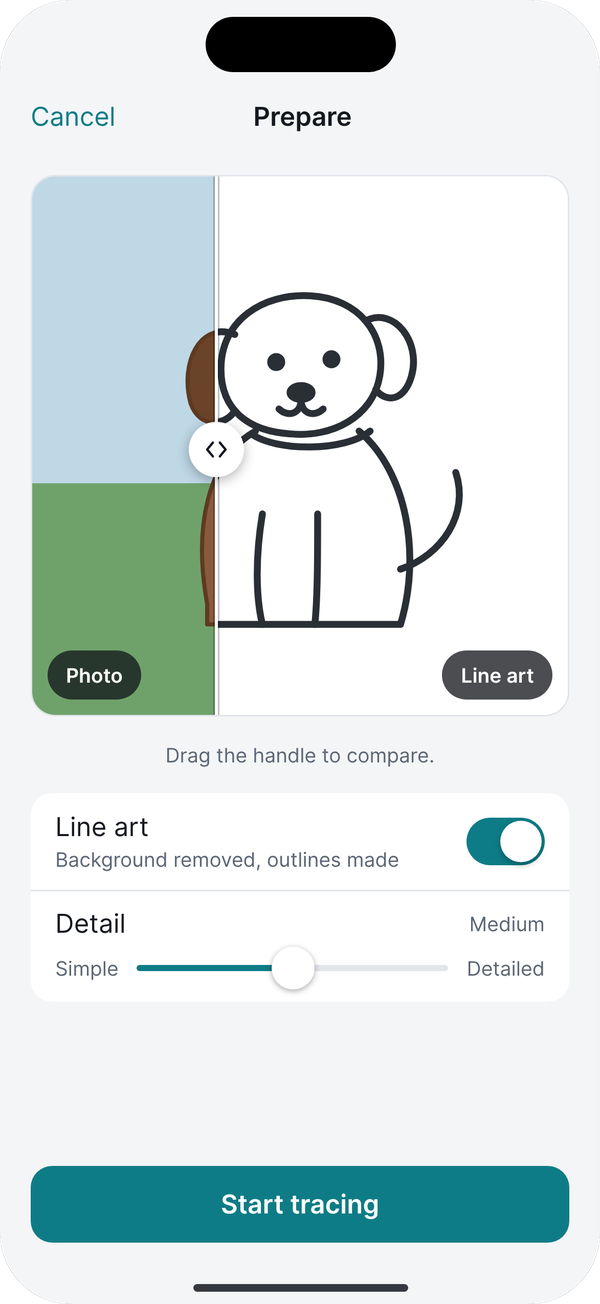
Line art removes the background and draws the outlines, with a slider for more or less detail. It all happens on your phone.
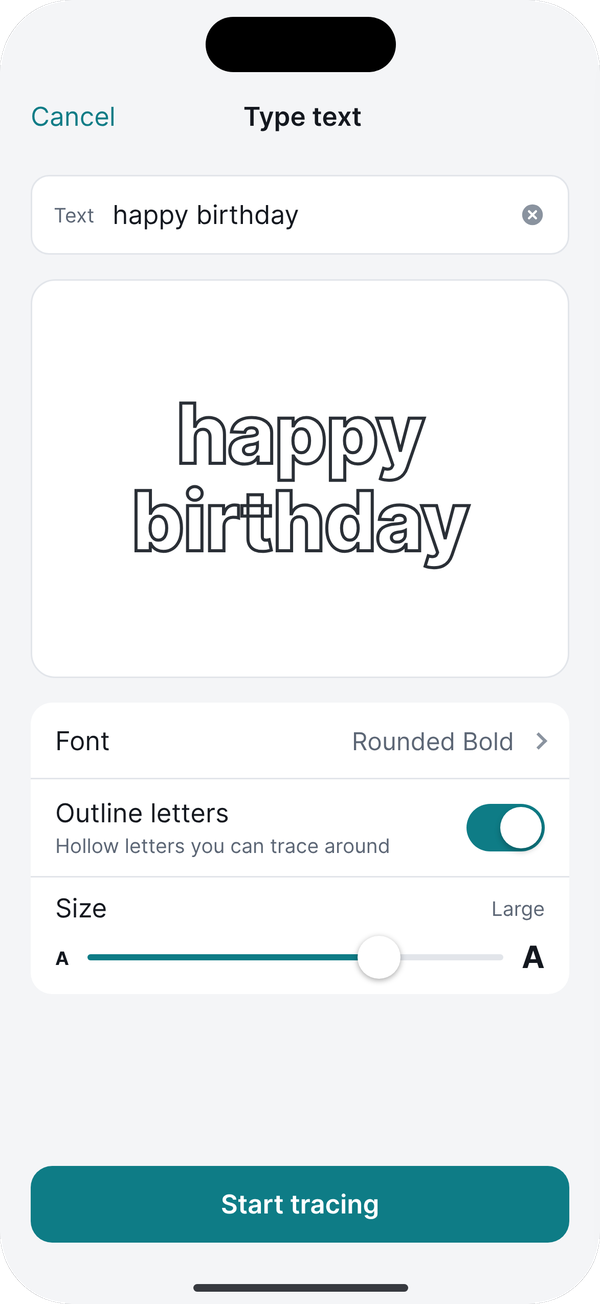
Type it, pick a font and trace it onto a card, a sign or a cake. Letters can be shown as outlines.
One stage at a time, so the shape comes before the detail. Artists also get strobe and value layers.
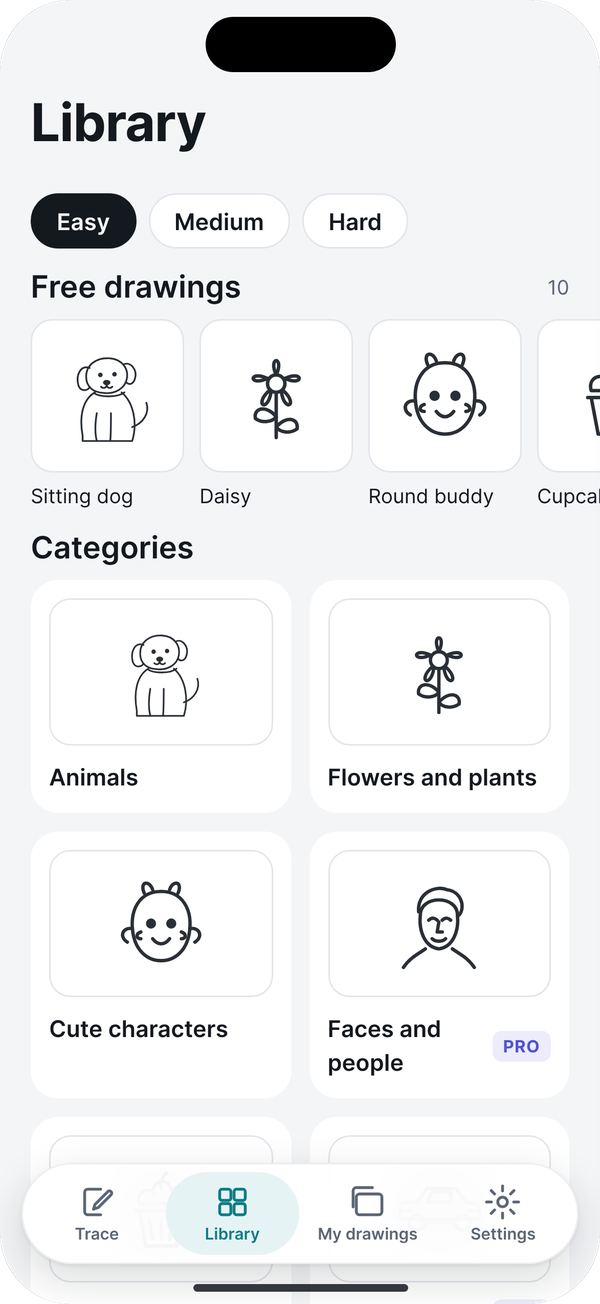
Drawings across 12 categories, from animals to mandalas. Start at the level that suits you and browse them all.
Pricing
Pro adds the library and the artist tools. It is never needed to trace your own pictures.
$0 forever
No trial. Shared with your family through Family Sharing. If a plan ends, the drawings you downloaded stay and saved sessions still open.
"Data Not Collected" is our App Store privacy label.
Questions
No. There is no sign-up and no sign-in. Open the app and start tracing.
Yes. Your own photos, line art, text and every tracing tool are free forever, with no time limit.
An iPhone with iOS 17 or later, paper, a pencil, and something to rest the phone on.
Open Settings on your iPhone, tap your name, then Subscriptions. More help